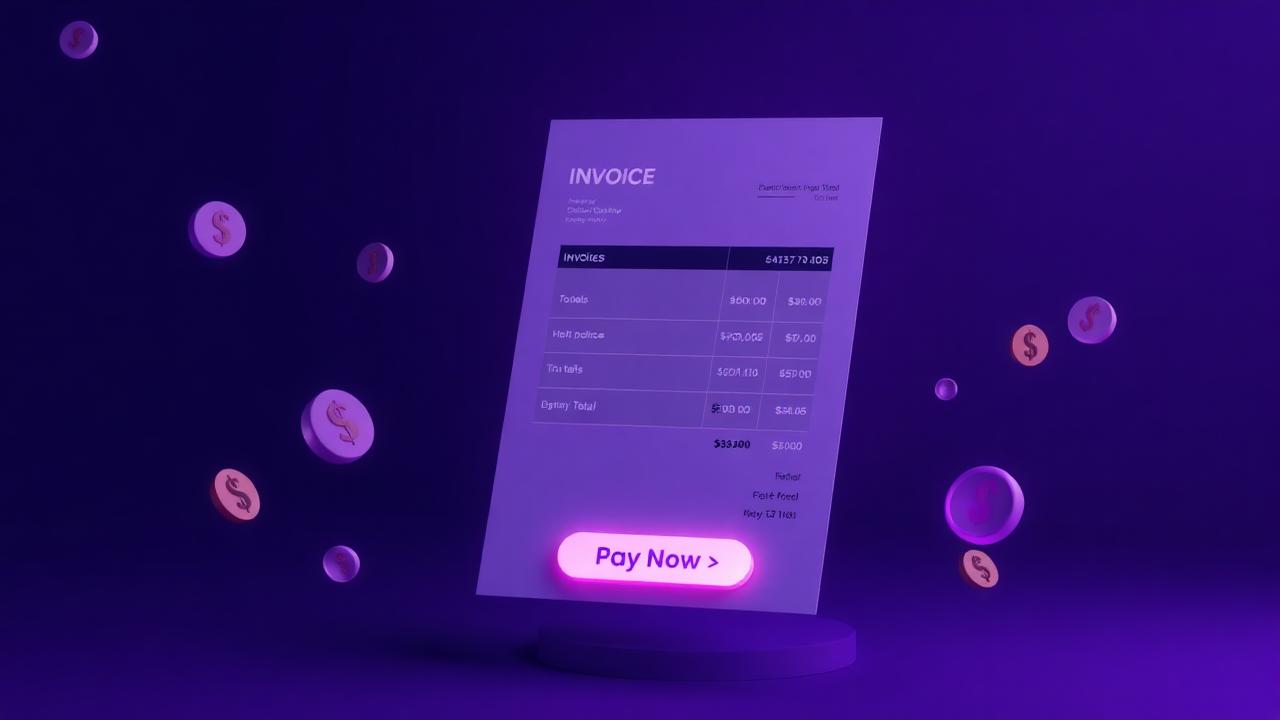
Professional invoices with embedded PayU checkout
Create itemised invoices in your dashboard, send a payment link, and let PayU handle UPI, cards and net banking. Status moves Pending → Paid automatically.
Built like the invoicing tools you already know
Multi-line items
Add unlimited lines with description, qty, rate — totals auto-compute.
Tax % support
Apply a single tax rate; subtotal, tax amount and total are calculated for you.
Auto invoice numbers
Sequential format INV-YYYY-NNNN. Never duplicate, never miss one.
Your full business details
Pulls your name, email, mobile, address and 11-digit Zelo account.
Bill-To customer
Capture name, email, phone and address — appears on invoice and PDF.
Optional due date
Set a due date for clear payment expectations.
Public payment page
Each invoice gets a shareable URL. Status badge: Pending → Paid live.
Embedded PayU checkout
UPI, cards, net banking — payer pays without leaving the invoice page.
Branded PDF download
Both you and your customer can download a styled PDF, with a PAID stamp once settled.
Cancel pending invoices
Block further PayU payments instantly by setting status to Cancelled.
Server-side hashing
PayU SHA-512 signature computed server-side. Salt never touches the browser.
Auto-mark as Paid
PayU callback flips status to Paid and records the txn ID and timestamp.
Your details. Their Bill-To. Auto math.
Every invoice is auto-populated with your verified business profile and Zelo account number. Add the customer's details, plug in line items, and Zelo handles the rest — PDF, payment link and status tracking.
- Sequential numbering (INV-2026-0001)
- Multi-line items with auto totals
- Tax % applied to subtotal
- Branded PDF with PAID stamp on success
- Cancel button blocks further payment attempts
Send your first invoice today
Sign up, finish KYC, fill the form — done. PayU handles the checkout, Zelo handles the rest.