From signup to settlement, in minutes
Zelo is designed to feel like a modern bank app, with the simplicity of a digital wallet.
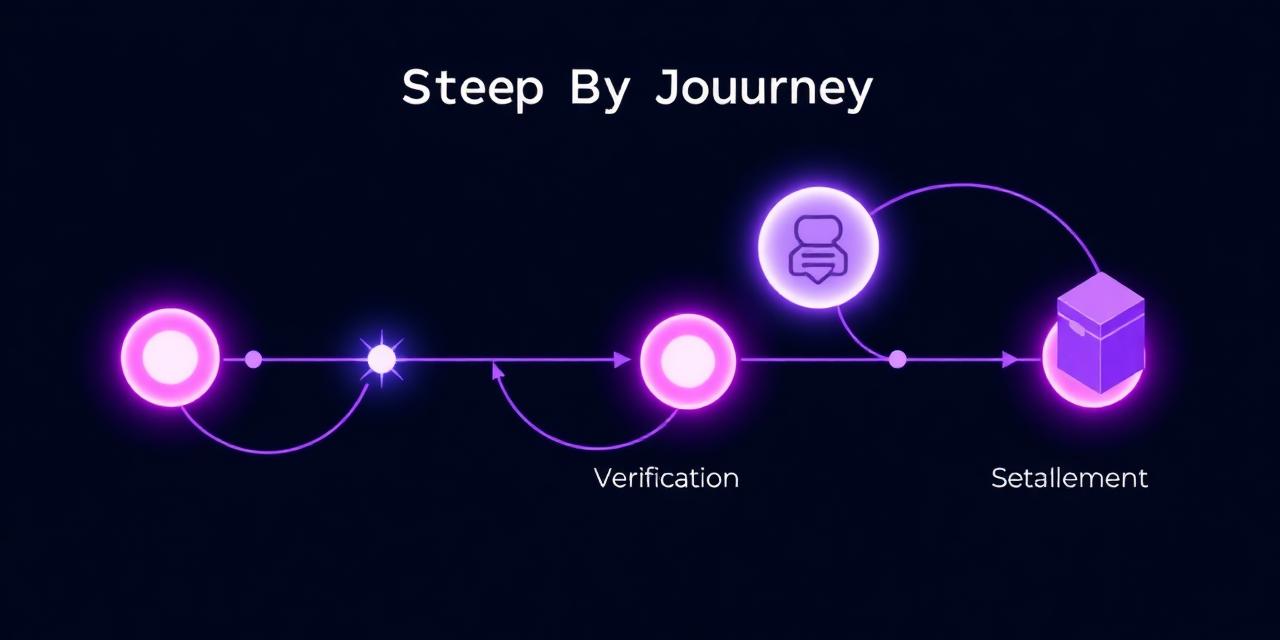
The steps to get started
Create your account
Sign up with your email and a strong password. Receive a unique 11-digit account number you can share to receive transfers.
Enable Google Authenticator 2FA
Scan a QR code with Google Authenticator (or any TOTP app), confirm a 6-digit code, and securely save your backup codes. 2FA is required for every wallet action.
Verify your KYC
Upload a government ID, a selfie and an address proof. Admin reviews and approves — usually within a business day.
Buy and redeem coupons
Submit a payment proof to admin via UPI or USDT TRC20. Once approved, you get a 25-character code that you redeem to credit your wallet.
Spend on brand gift cards
Pick a brand (Amazon, Flipkart, Myntra, Swiggy, Zomato), choose any amount from ₹100 to ₹10,000, and submit a request. Admin verifies and issues your gift card code + PIN — your wallet is only debited at that moment.
Claim your @username
Pick a personal handle once — it locks to your account. Share zelopay.online/u/@you in your bio, invoice or DM and anyone can pay you instantly with UPI, USDT or PayU, even without a Zelo account.
Transfer or settle
Send value to any 11-digit Zelo account, or request a UPI / USDT TRC20 settlement to withdraw your balance — within your admin-set limits.
List on Showcase (optional)
Publish your products or services with a price, image and contact info. Each listing — and every edit — is admin-reviewed before going public.
Your @username makes step 6 effortless
Stop pasting long account numbers and QR screenshots. Pick a handle once and share zelopay.online/u/@you anywhere — Instagram bio, WhatsApp, email signature or invoice. Anyone can pay you instantly, even without a Zelo account.
- One memorable link: zelopay.online/u/@you
- Locked to you — only admin can rename, no squatting
- Cover photo, avatar, bio, category & social links
- Verified ✓ badge once your KYC is approved
- Pinned Pay button — UPI, USDT or PayU in one tap
- Embeddable widget for blogs, portfolios & storefronts
Designer & illustrator. Open for client work — pay me on Zelo.
8 4 2 9 1 7 6 5 0 1 2